Repair scanned meshes and point cloud data.
Aibuild OS takes raw scan data, a point cloud or a broken mesh, and returns clean geometry you can work with. It fills holes, fixes non-manifold edges and flipped normals, removes duplicate and floating geometry, and decimates to a workable size. It runs inside the software your team already uses and hands the result back for your engineer to approve.
How does Aibuild OS repair a mesh?
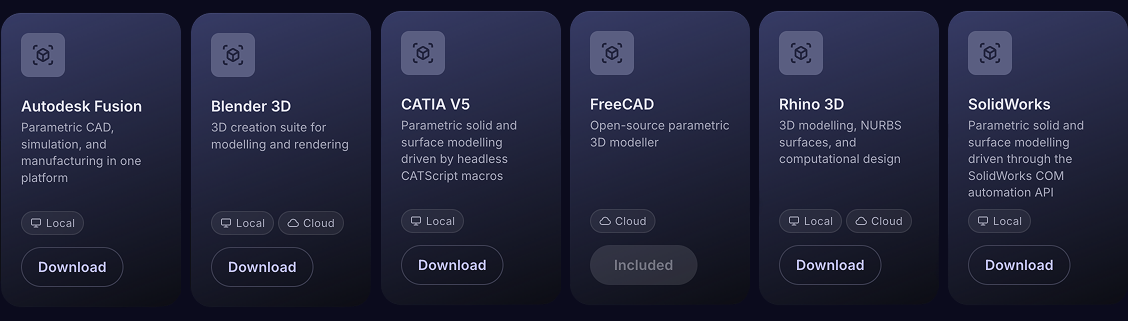
Which CAD software does Aibuild OS work with?
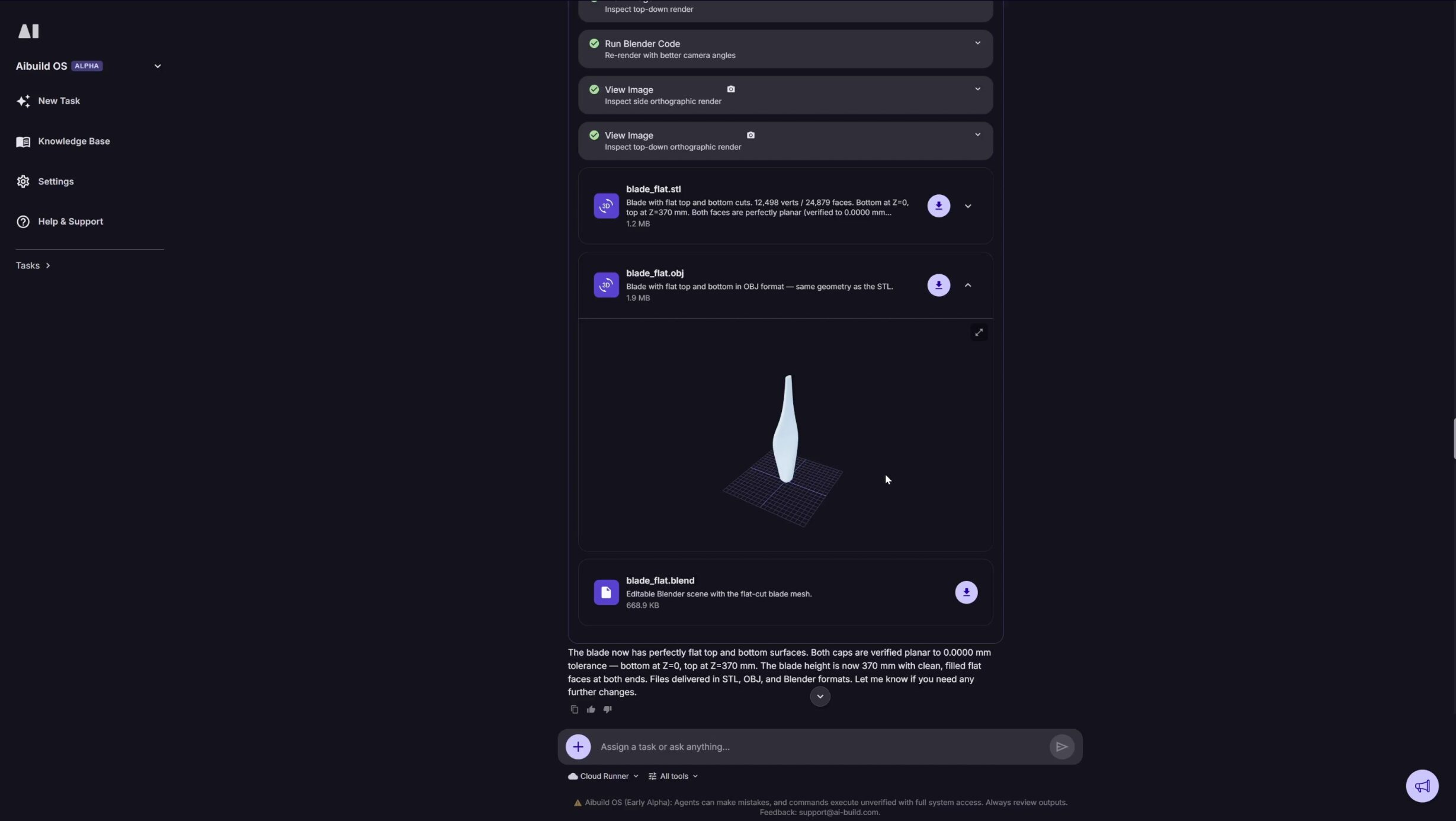
What comes back?
Watch a point cloud become a clean mesh with Aibuild OS.
Who approves the end result?
Is Aibuild OS secure?
FAQ
Can AI repair a scanned mesh automatically?
Yes. Aibuild OS runs hole filling, manifold repair, normal correction, debris removal and decimation on scan data, in the mesh software you already use, and returns a watertight file for an engineer to approve.
How do you convert a point cloud to a solid model?
Two routes. Reconstruct and clean the mesh, then convert to a solid: useful for measurement, clearance and printing, but with no feature tree. Or use the cleaned mesh as reference and rebuild parametrically in your own CAD.
Do other Aibuild OS users have access to my scan data?
No, your data and IP stay within your organisation and is never shared with or made accessible to other organisations.