Analysis at every stage.

Most toolpath softwares check for problems at the end. By then, fixing them costs time, material, or both.Aibuild gives you a complete analysis pipeline — before slicing, after slicing, at the toolpath, and in simulation — so problems are caught where they're cheapest to fix: before you've committed to hardware.

  • Mesh Analysis
  • Analyse & Optimize
  • Quality Checks
  • Safety Checks
  • Thermal Analysis

Analyse & Optimize

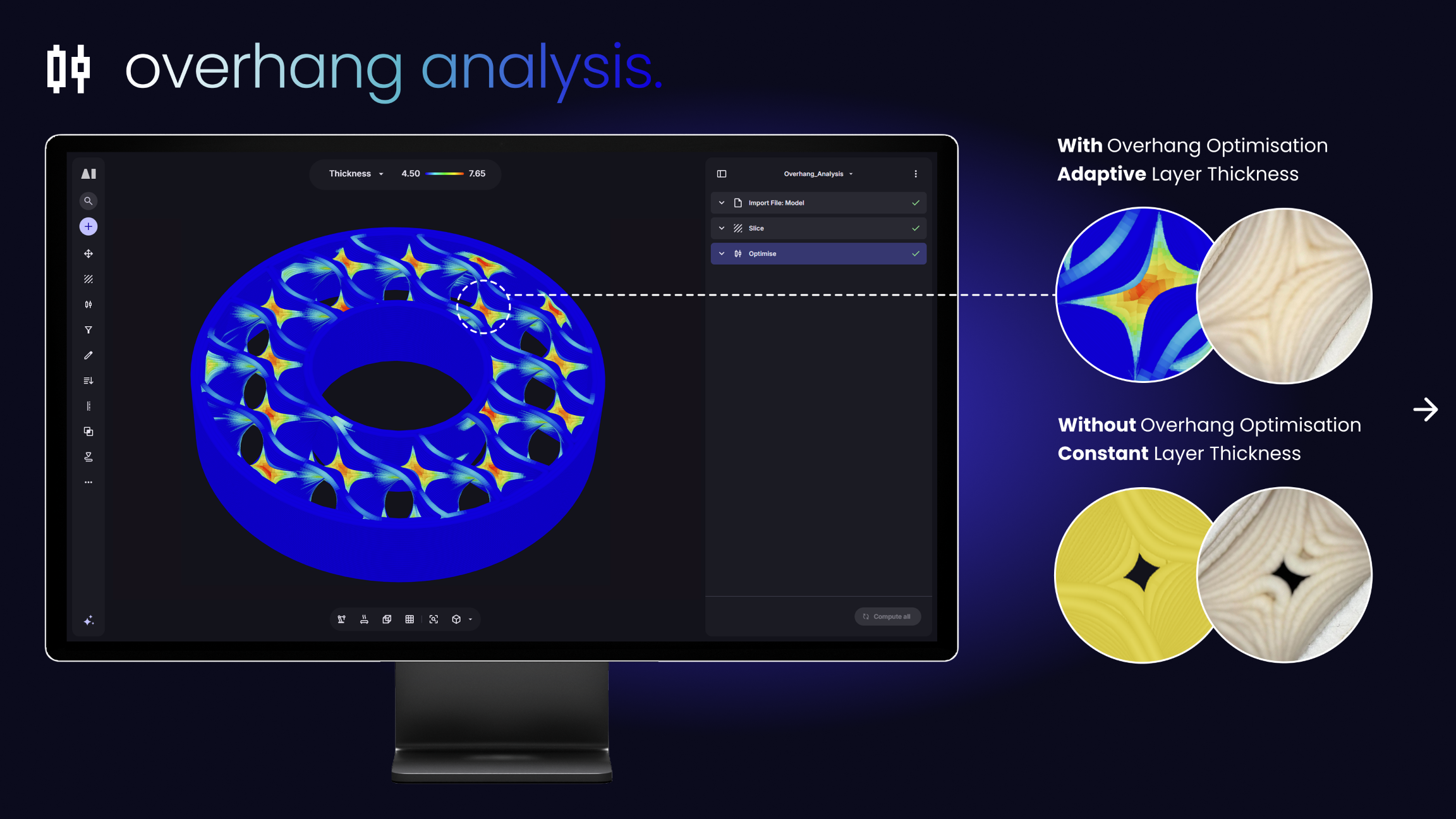
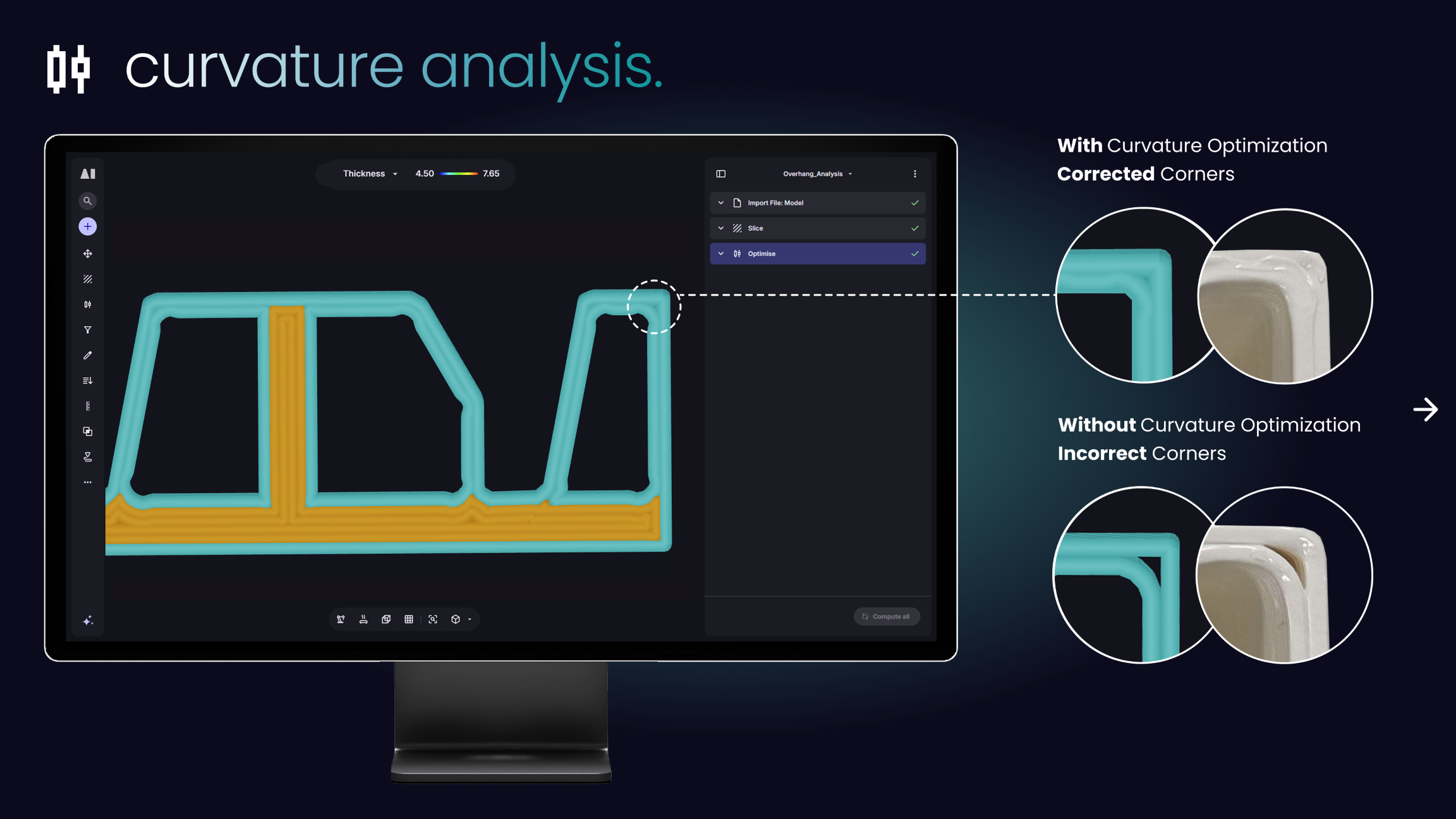
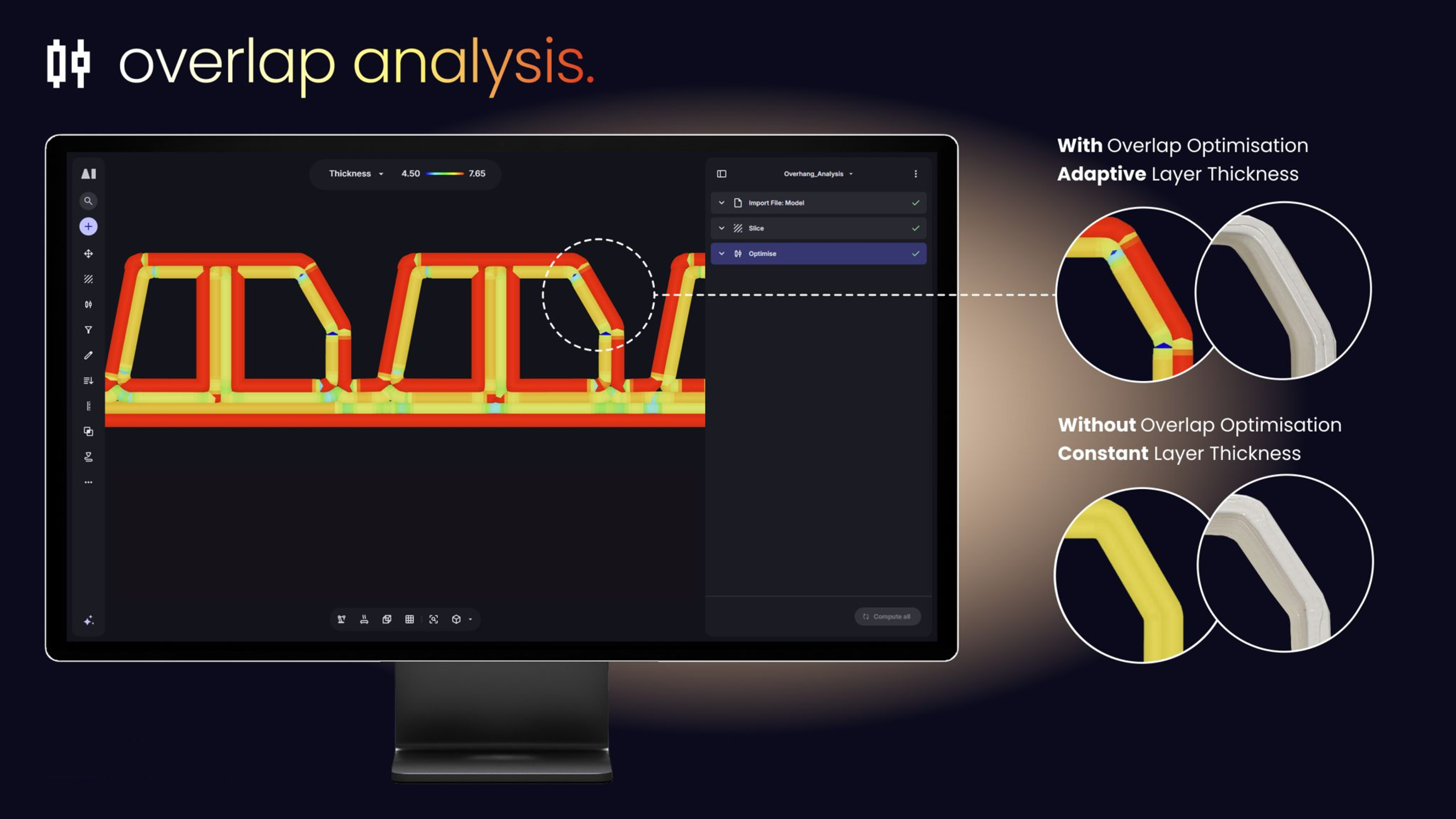
Analyse and improve before the final toolpath

Quality Metrics

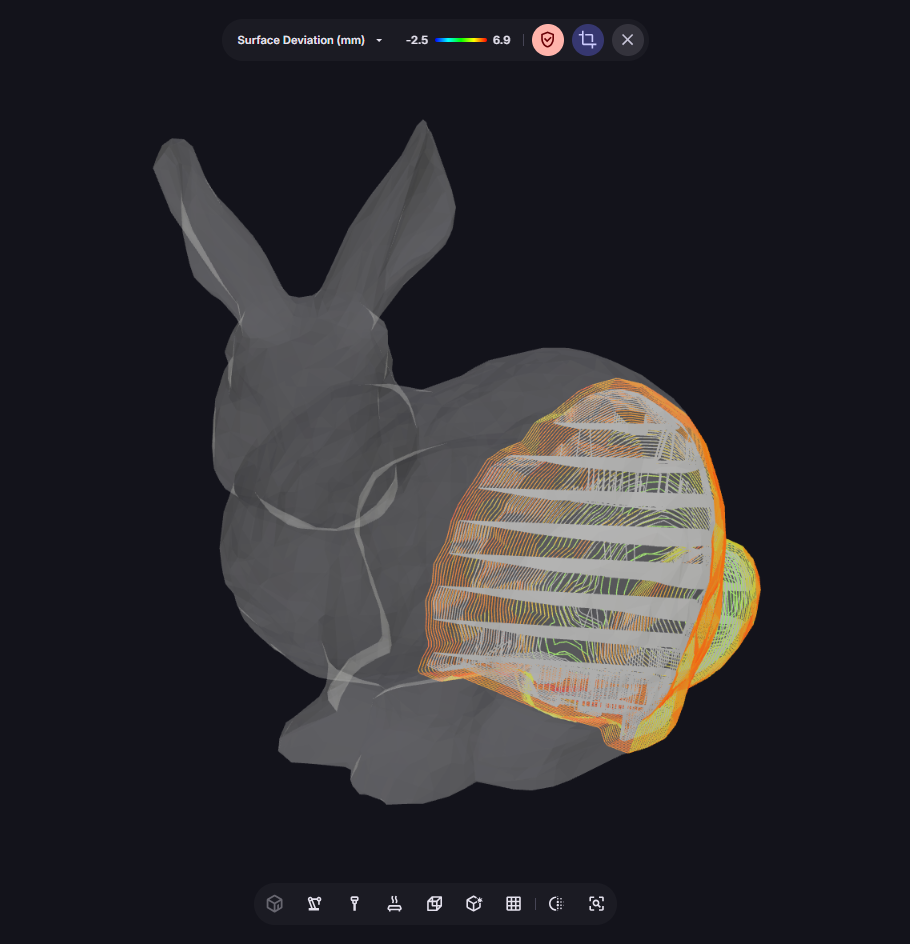
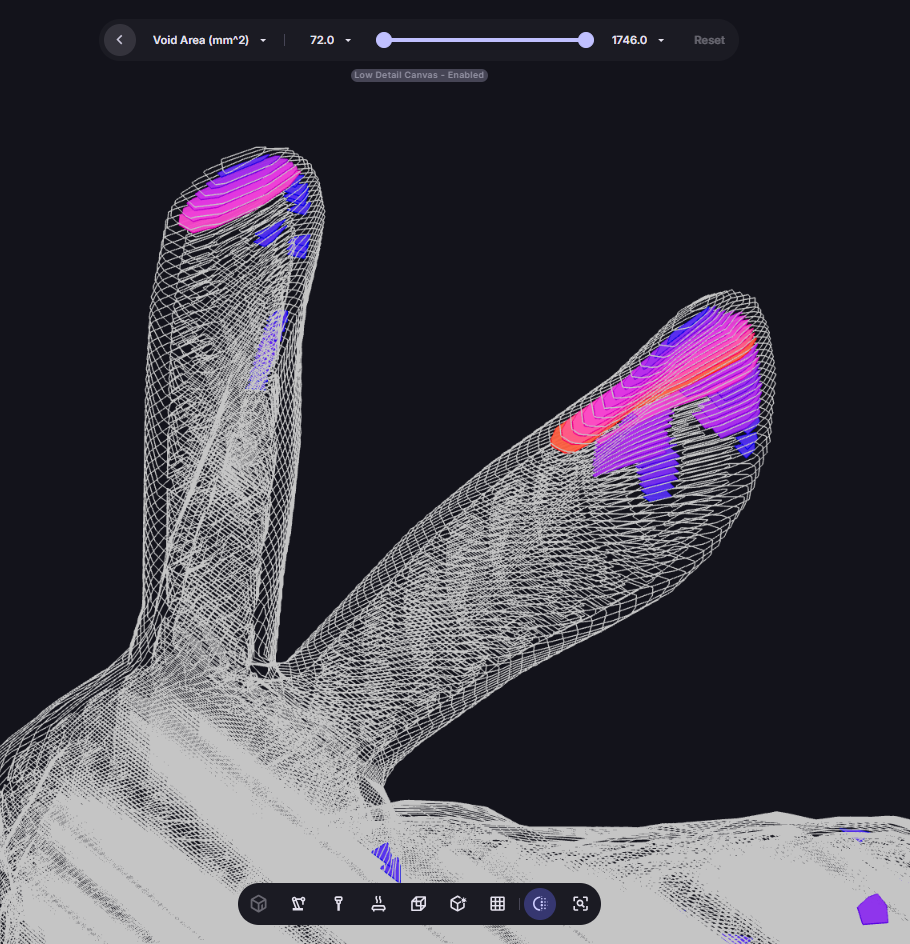
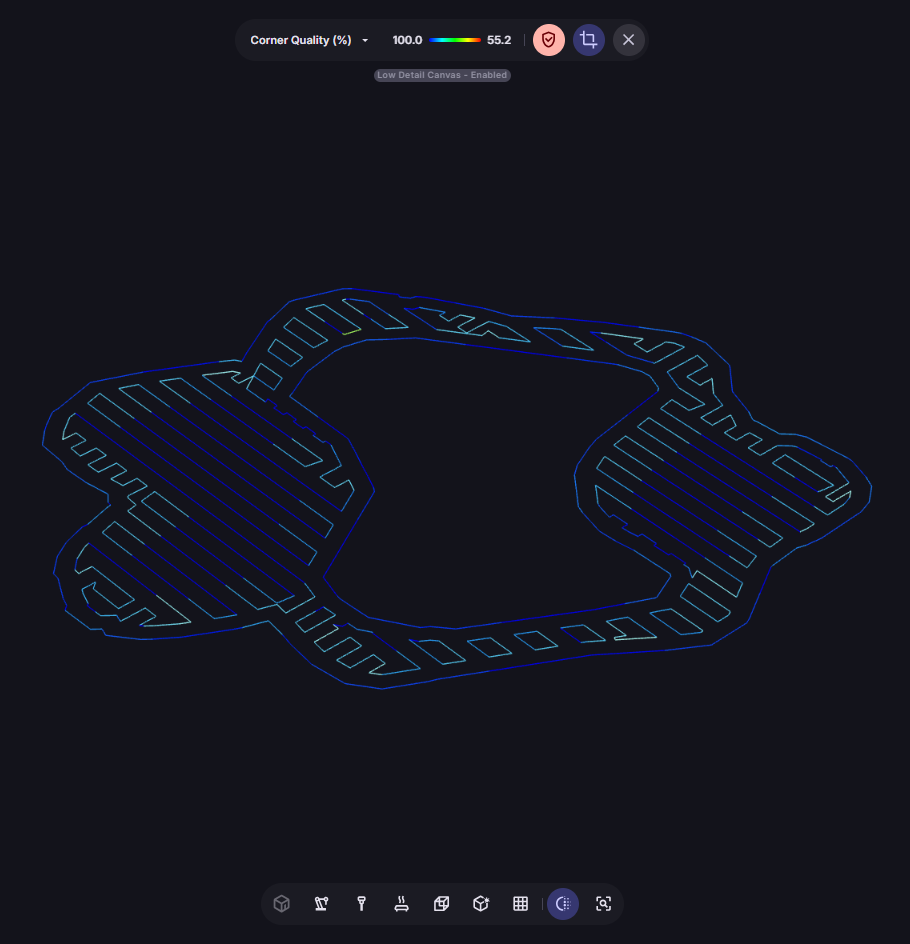
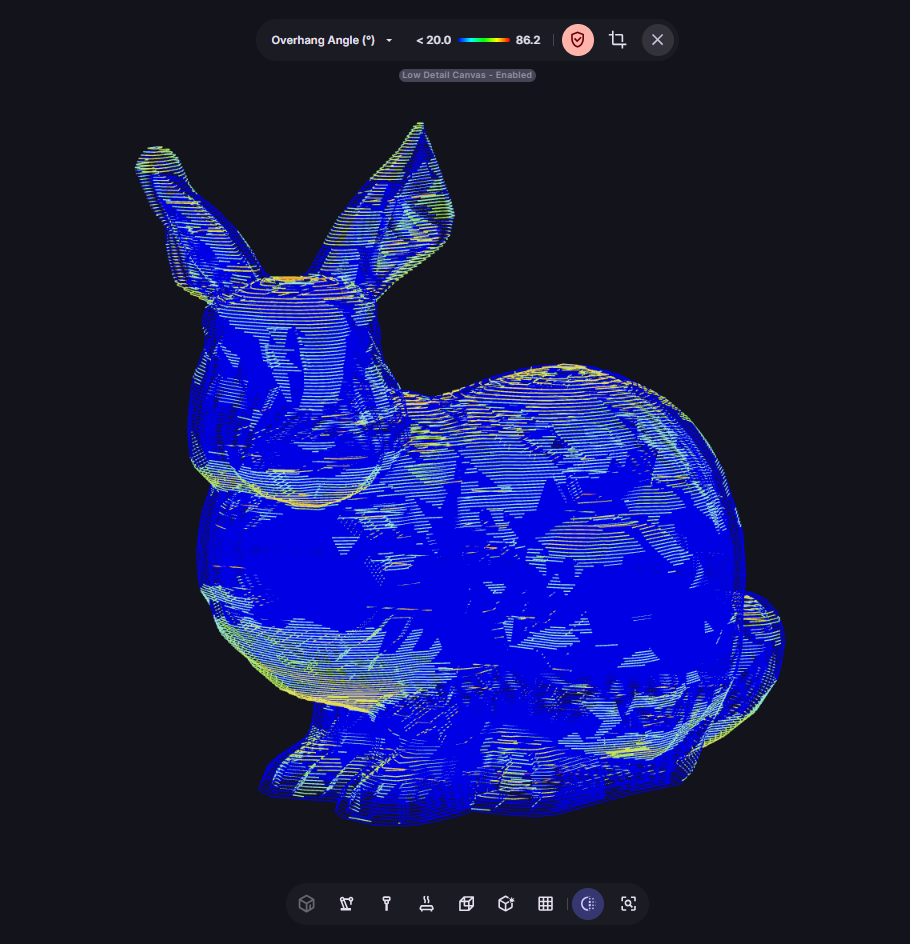
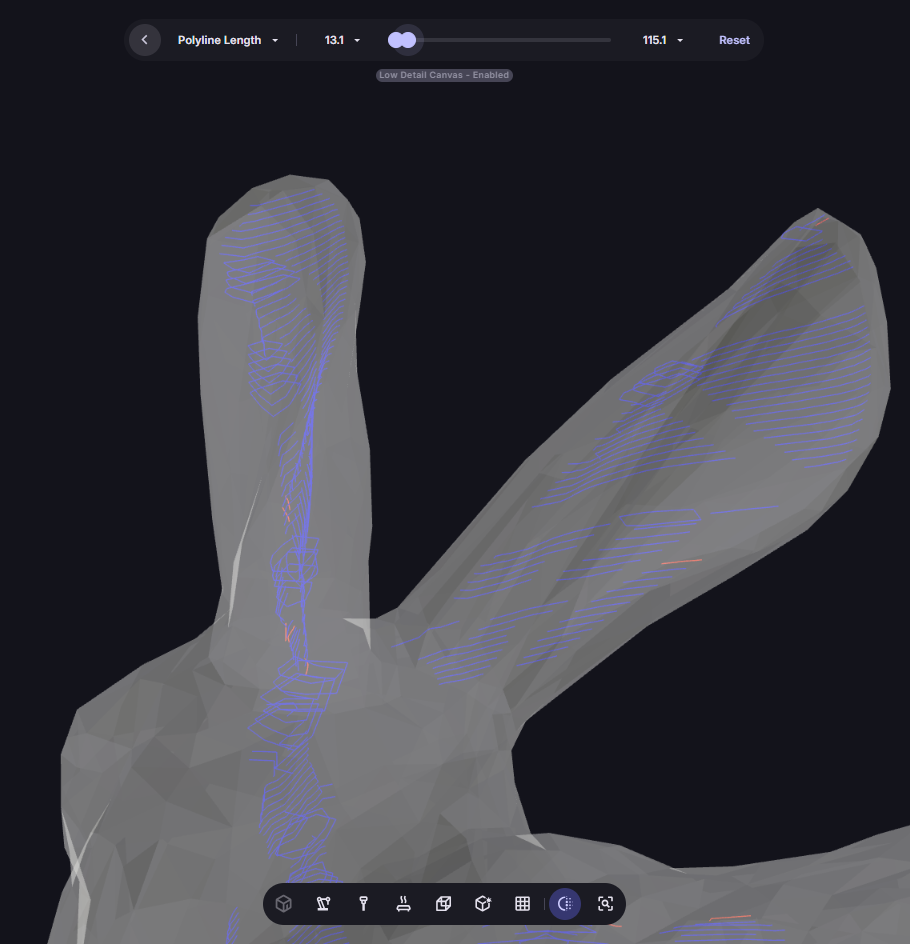
Run practical checks and see exactly where issues occur — not just a pass/fail summary, but colour-coded overlays on the part itself.

Mesh Analysis

Assess CAD printability

Before you start slicing, use the Mesh Analysis tool to compare which path strategy works best for your input CAD. Spot high-risk regions early, choose the right build orientation, and select the slicing strategy most likely to succeed.

Cost, Weight & Print Time

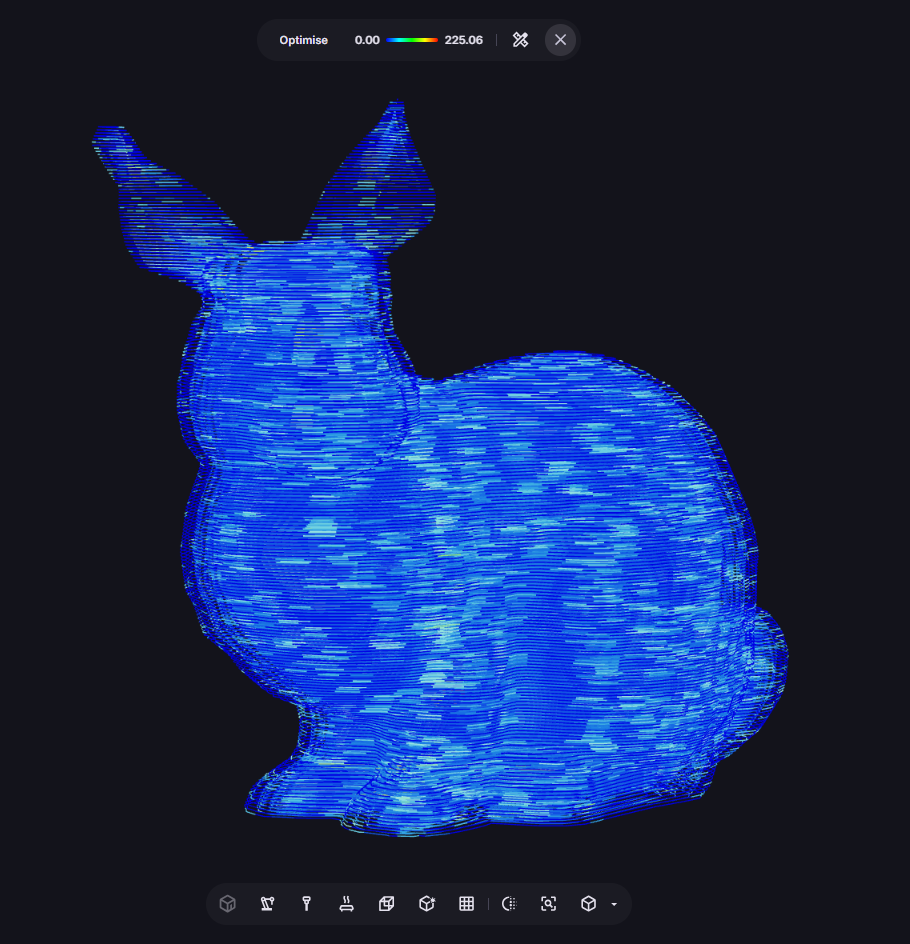
Aibuild predicts part weight, material cost, and total print time directly from your toolpath — so you're not guessing at production economics before you start the machine.

Use these predictions in your optimisation loop: compare how different infill strategies affect weight, porosity risk, print time, and overall build quality, and choose the configuration that meets your engineering and production requirements before committing to a print.

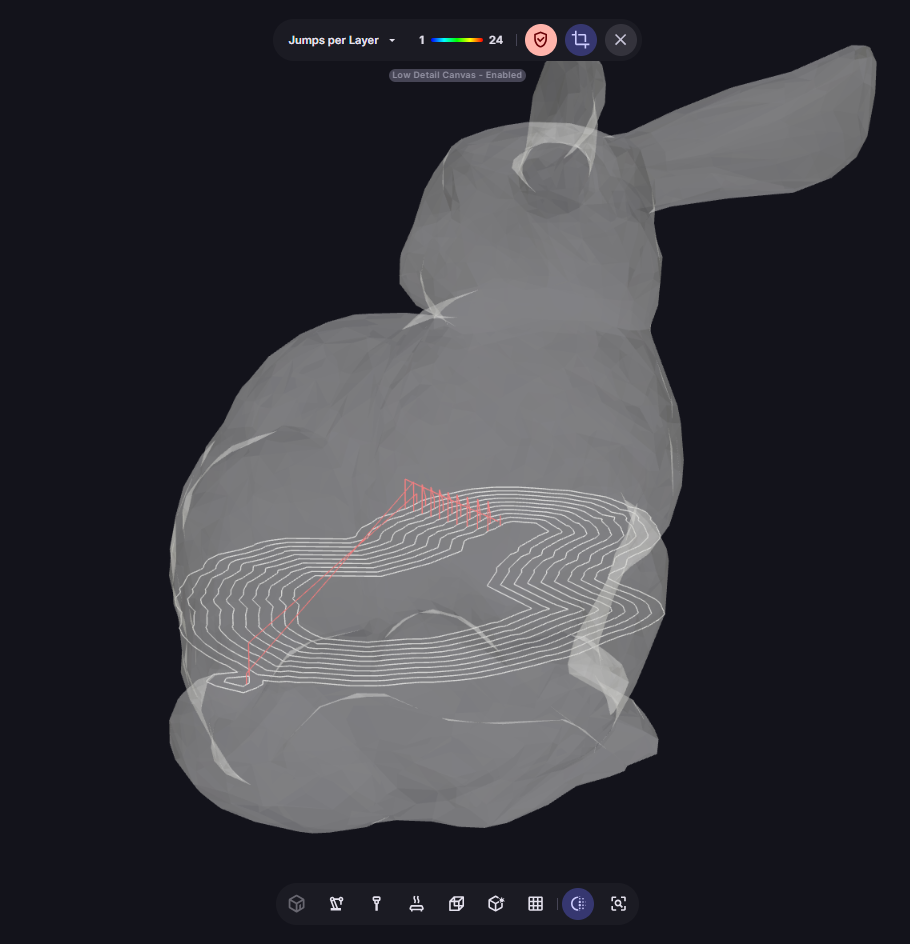
Safety Checks

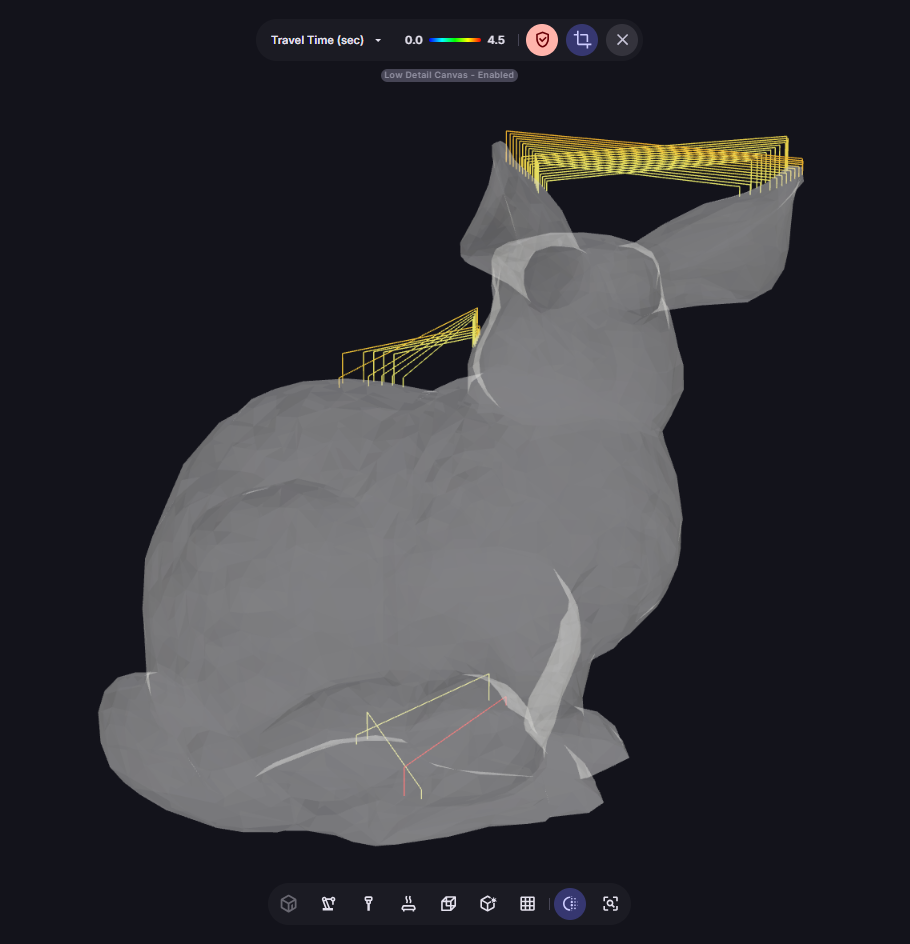
Simulate your toolpath on your actual machine model. Offending objects highlighted red, events marked on the toolpath simulation timeline, with a summary table on the right.

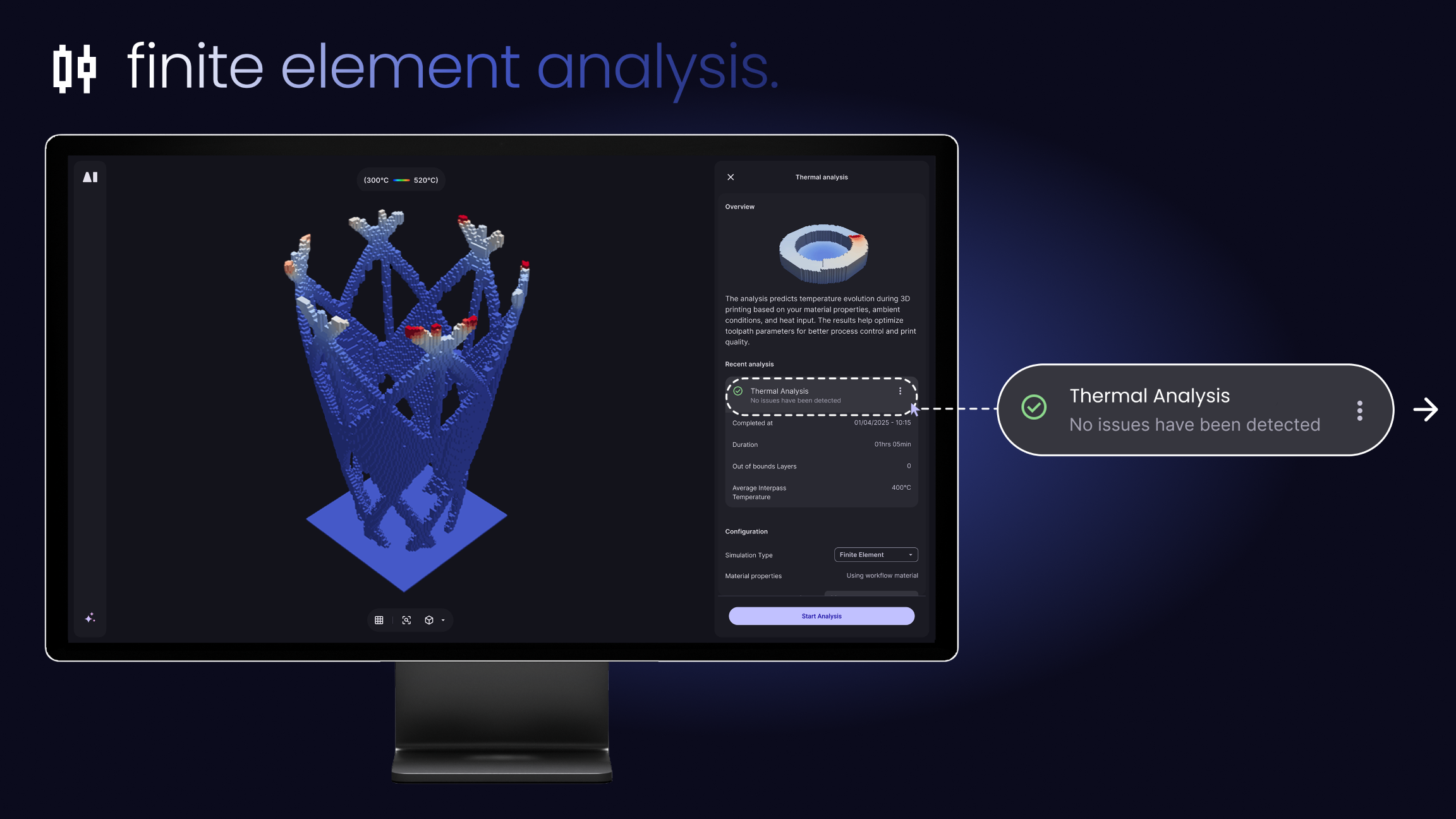
Thermal Analysis

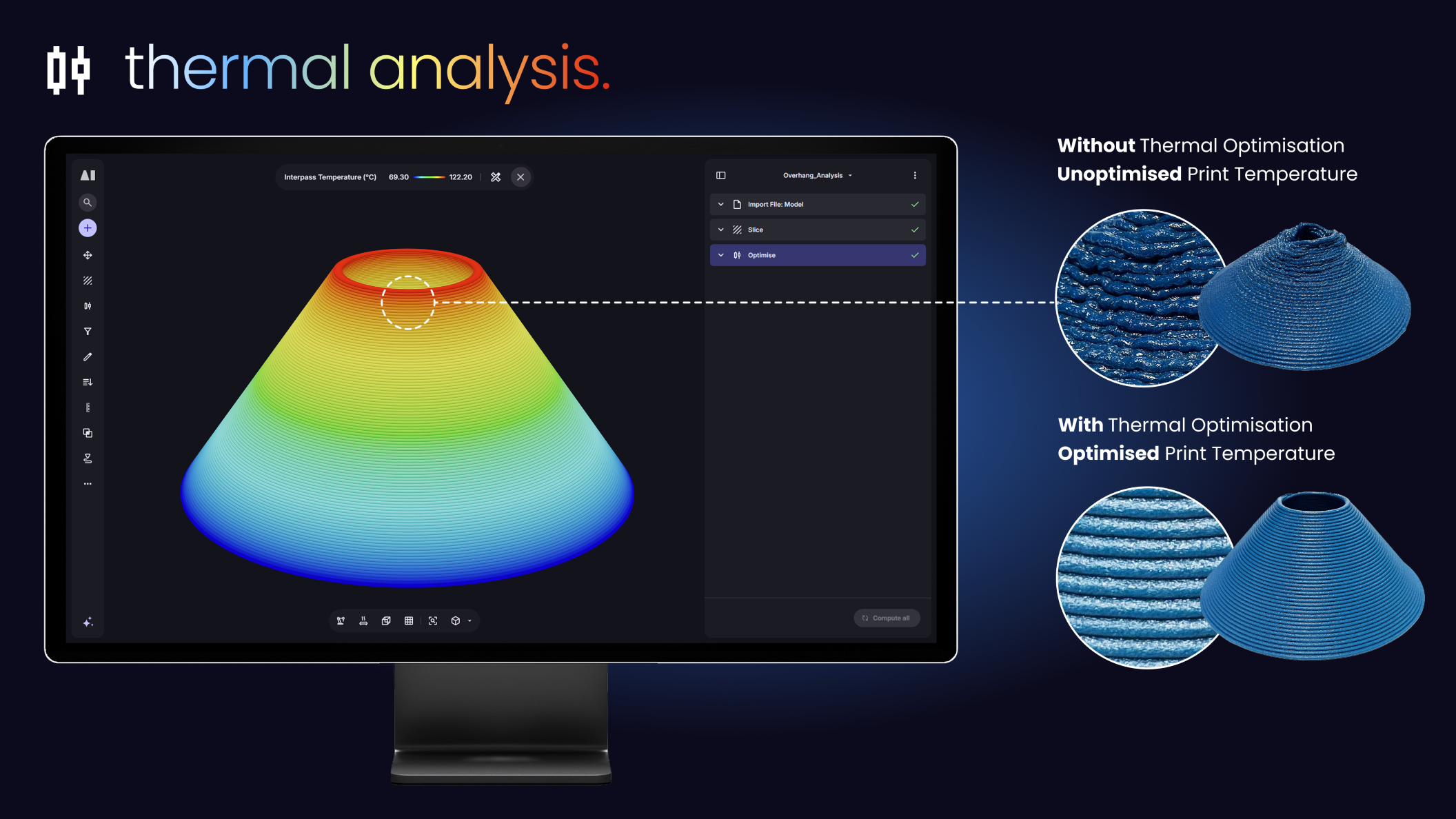
Simulate your toolpath on your actual machine model. Offending objects highlighted red, events marked on the toolpath simulation timeline, with a summary table on the right.